
¶ Sentral for Parents
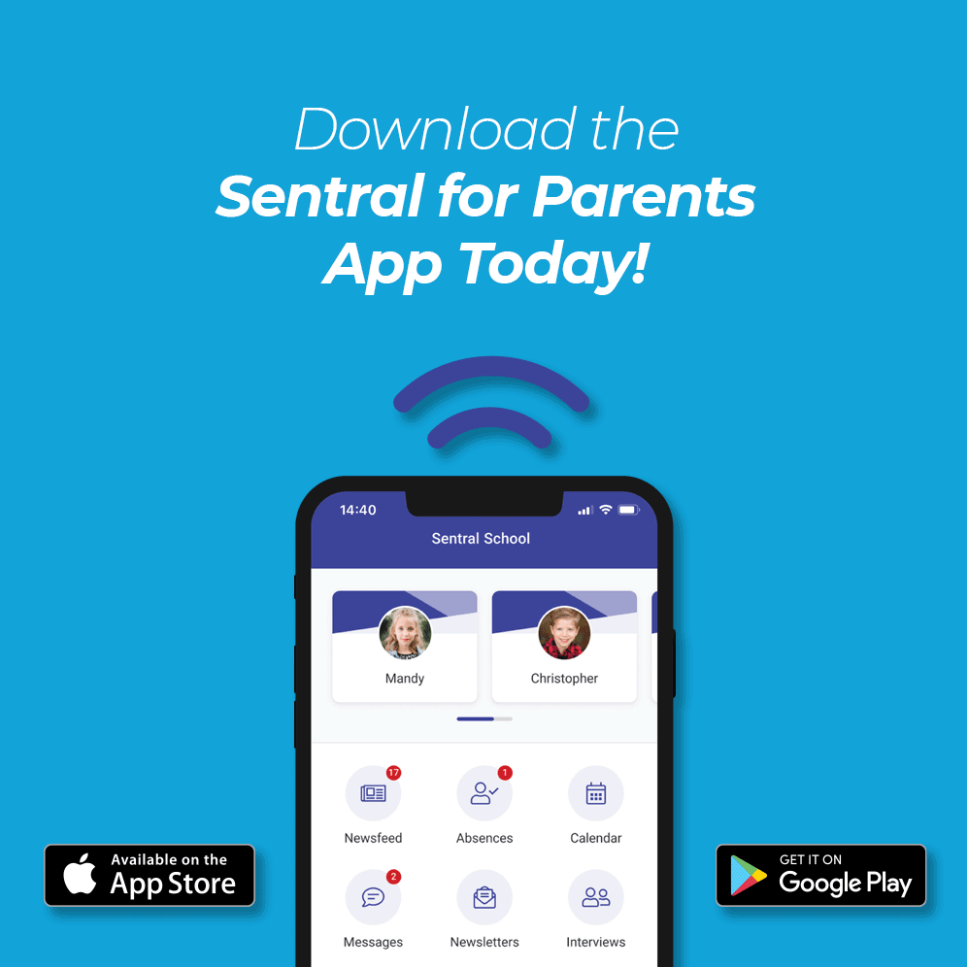
Sentral’s Portal module and Parent app enables us to communicate with our parent community in many ways to keep them informed and engaged. The Portal and App empowers parents, keeps them fully updated and helps them manage and control everything related to their child’s education.
The Sentral for Parents app will allow connected family members to:
* receive real-time notifications and messages from the school or your child's classroom teacher.
* explain past and upcoming student absences
* view child/ren academic reports
* view school newsletters
* view calendar events
* view links to URL's provided by the school
* view school documents
Currently not in use
* receive sick bay notifications
* book parent/teacher interviews
* give permission for school activities
* Parent Payments
* message your child's classroom teacher
¶ How To Guide - Users
The following section is for all school staff - teachers and front office administration.
¶ Portal Console & News Feed Items
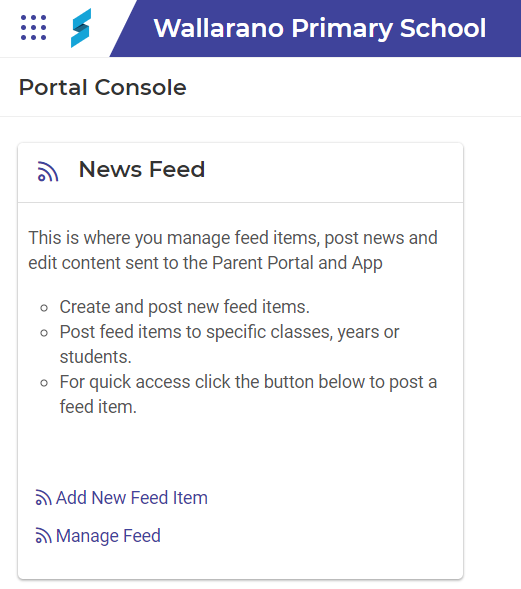
Portal Console is where you manage news feed items, post news, and edit content sent to the Parent Portal and App. Here’s some examples of what you can do:
- Send news feed items as broadcast messages to a select group or to the whole school.
- Embed links and upload attachments to feeds and send them as push notification to devices.
- Display feed, notification, absences, sickbay, activity, interview information, reports and assessment items from other modules that use the Publish to portal function.
¶ To add a News Feed item (Portal Console Module)
- Open the Sentral menu and then under the School Admin group, select Portal Console
- In the News Feed section, do one of the following:
- Add New Feed Item.
- Manage Feed and then select New Feed Item.
- Enter details for the new feed item, and then select Save.
Watch Video
¶ What are Access Keys
Each parent requires their own individual Access Key if they want to connect via the Sentral for Parents app. Access Keys are required to link a Sentral for Parents account to a student. Without the access key, they will only be able to see the general news feed and no personalised communication directed to them.
- Office Administration staff can generate additional Access Keys for families (and welcome letters)
¶ How To Guide - Administration
The following section is for front office administration staff.
¶ Family/Student Access Keys
There are 2 types of Access Keys that can be generated:
- Family access keys - links the key to all children in the family
- Student access key - links the key to individual student. For parents listed in the school’s admin system as having custody issues.
*Holders of Student keys will not be able to see details of the residential guardian. Student keys can be used for split families and in the instance of any custody issue.
¶ Viewing & Generating Access Keys (Portal Console Module)
- Open the Sentral menu and select Portal Console
- Click on News Feed
- Click Portal Console Setup

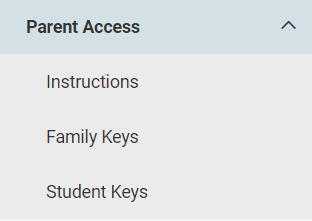
4. Click Parent Access in the left menu and select Family Keys or Student Keys
5. Select the user/s by using the check boxes on the left (you can use the filter open to narrow the search results)
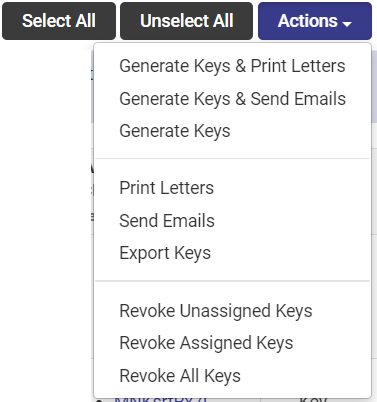
6. Select the action you require
¶ Absense Notifications, Responses & Submissions
Sentral for Parents app can notify parents of absences and allow parents to explain absences or advise of future absences.
¶ Send Absense Notification to Parent Portal Feed (Messages Module)
You can publish absense notifications to the News Feed which provides an additional message for parents.
- Open the Sentral Menu and select Messaging
- Expand Send Messages
- Click Absence Notification
- Use the filter to find applicable absences and click Search
- Under ‘Publish to Parent Portal Feed’, select and send feed item(s)
¶ Absence responses (Attendance Module)
To view parent responses to absence notifications
- Open the Sentral Menu and select Attendance
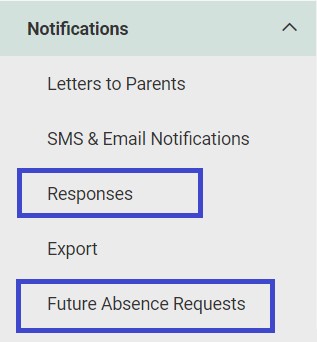
- Expand Notifications in the left menu
- Click Responses
¶ Future absence requests (Attendance Module)
Parents can request leave for students for reasons such as holidays, religious events, and medical appointments. To view future absence requests:
- Open the Sentral Menu and select Attendance
- Expand Notifications in the left menu
- Click Future Absence Requests
¶ Family Details Amendment Requests
¶ Reviewing Amendment Requests (Profiles Module)
Parents can use the Amendments feature to keep up to date about student contact details and health details. You can view submissions by parents advising you of changes to a student’s medical conditions and relevant contact details.
NOTE: you can only manage family details amendment requests in the Profiles module – using Profiles version 1.
- Open the Sentral Menu and select Profiles
- Click the button to View Profiles V1
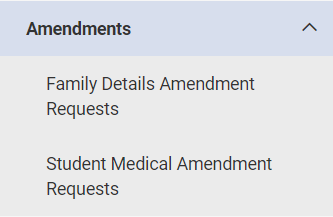
- Expand Amendments (Left side menu)
- Select one of two options
- Family Details Amendment Requests
- Student Medical Amendment Requests
¶ Adding Calendar Items
notes: Add, edit or delete Events in Calendars module
- Parents will be able to see text added to the Note section, but not the Personal Note section
Lisa to provide details on steps/which calendar is set for Parent Portal
¶ How To Guide - Parents
- Download the Sentral for Parents app. Depending on your device, visit the Apple App Store, or the Google Play Store.
- Search for your school in the search box and tap Next.
- Tap Register here and enter your details.
- Tap Create Account.
- You will receive a confirmation email.
- Click the link in the confirmation email to verify your details.
- Log in to the app.
- Use the access keys provided by your school to add your children to the app. Access keys can be added in the Settings menu.
- You will then see the Home Screen.
You’re now ready to use the app.
¶ Additional Information & Guides
- Sentral for Parents - General Overview
- Sentral for Parents - FAQ
- Sentral for Parents App - Functionality Setup for Schools
- Sentral Portal Console - FAQ
- Sentral Portal Console - User Guide
- Sentral Portal Console - Admin Guide